> ## Documentation Index
> Fetch the complete documentation index at: https://docs.rhetoric.law/llms.txt
> Use this file to discover all available pages before exploring further.
# Introduction
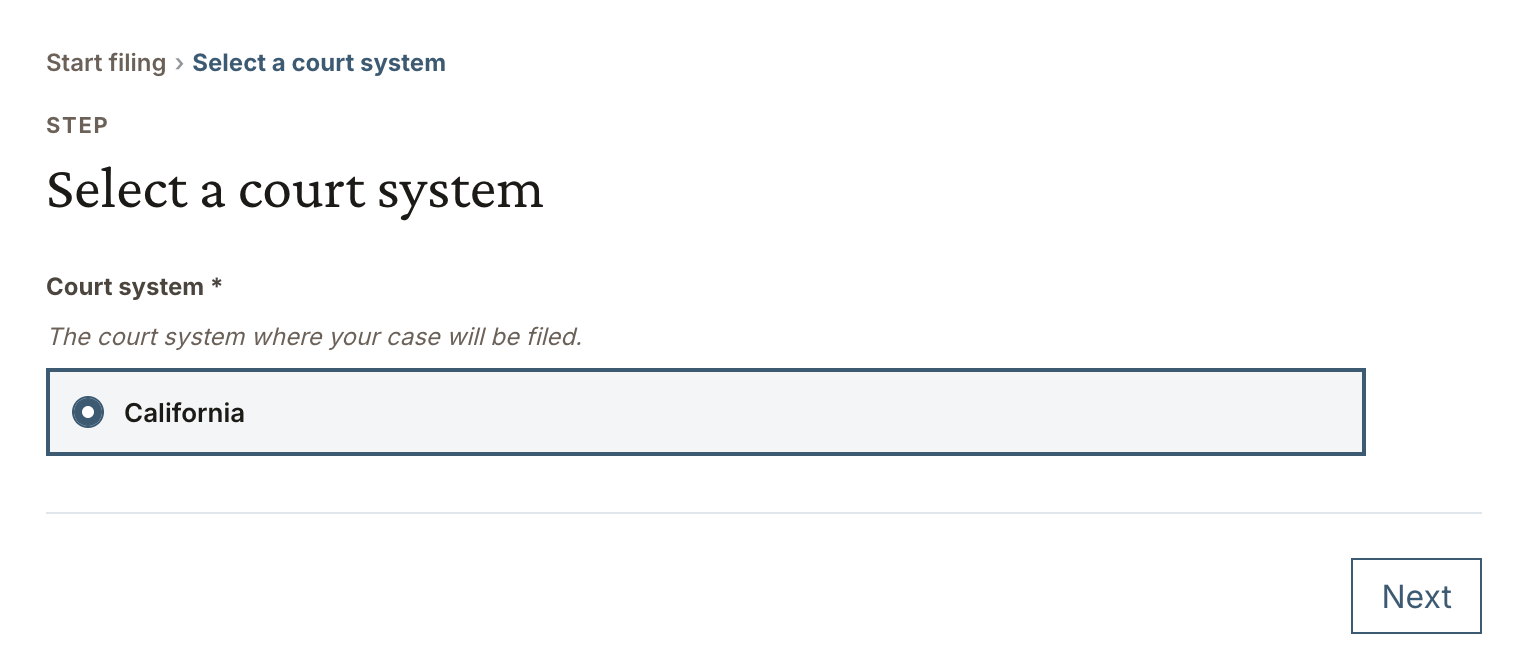
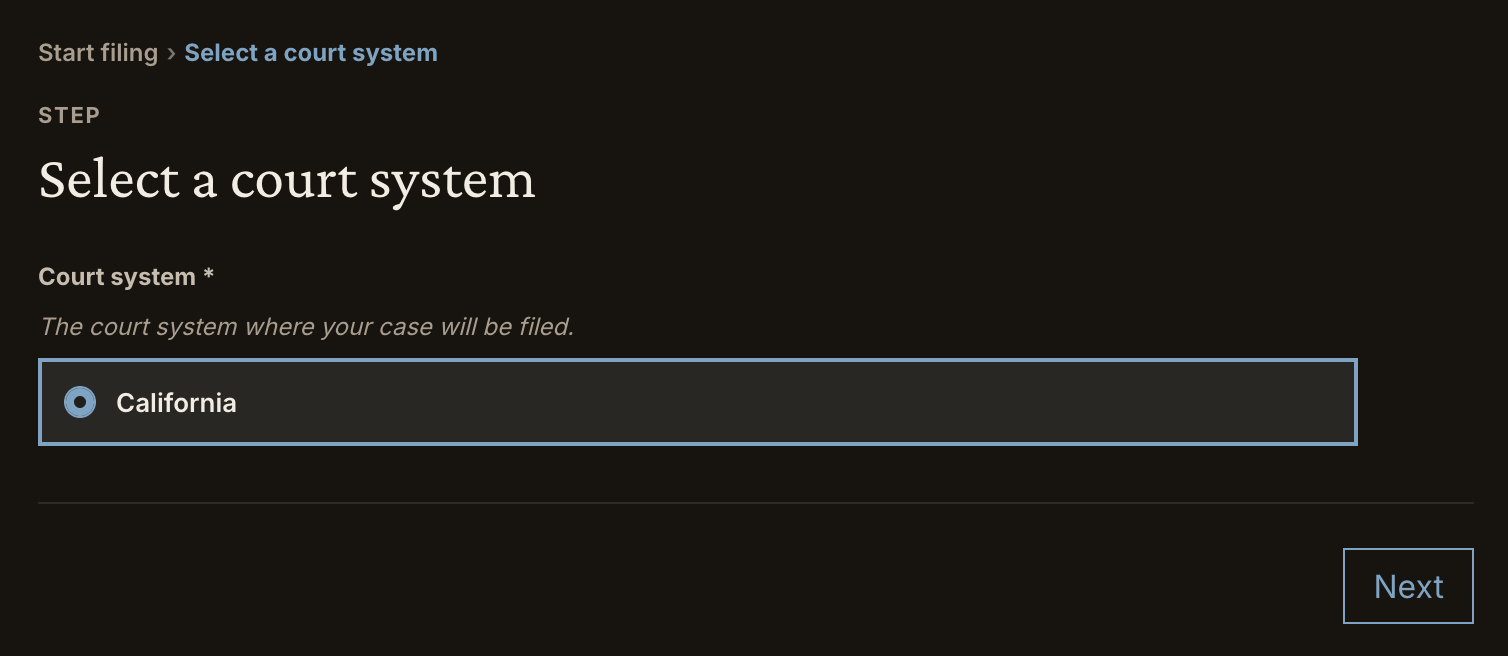
The Rhetoric Element is a UI component that guides users through the filing
process. It is meant to be embedded in a host application and can be styled to
match its environment. It takes a session token and other configuration and
communicates with the Rhetoric API directly to advance a filing session.
 ## Installation
The Element is published as a React component. You can install it using the
following command:
```shell theme={null}
npm install @rhetoriclabs/element-react
```
The package requires React 18 or higher as a peer dependency.
## Usage
To use the Element, create a filing session on the backend and pass the session
token that it returns to the frontend. Use that token to instantiate the
component.
```tsx theme={null}
import { Element } from "@rhetoriclabs/element-react";
function FilingPanel({ sessionToken }: { sessionToken: string }) {
return ;
}
```
You can pass additional props to modify the appearance of the Element. For more
information, refer to the
[configuration](./configuration) reference.
This documentation is built and hosted on [Mintlify](https://mintlify.com), a developer documentation platform.
## Installation
The Element is published as a React component. You can install it using the
following command:
```shell theme={null}
npm install @rhetoriclabs/element-react
```
The package requires React 18 or higher as a peer dependency.
## Usage
To use the Element, create a filing session on the backend and pass the session
token that it returns to the frontend. Use that token to instantiate the
component.
```tsx theme={null}
import { Element } from "@rhetoriclabs/element-react";
function FilingPanel({ sessionToken }: { sessionToken: string }) {
return ;
}
```
You can pass additional props to modify the appearance of the Element. For more
information, refer to the
[configuration](./configuration) reference.
This documentation is built and hosted on [Mintlify](https://mintlify.com), a developer documentation platform.